
Acufox
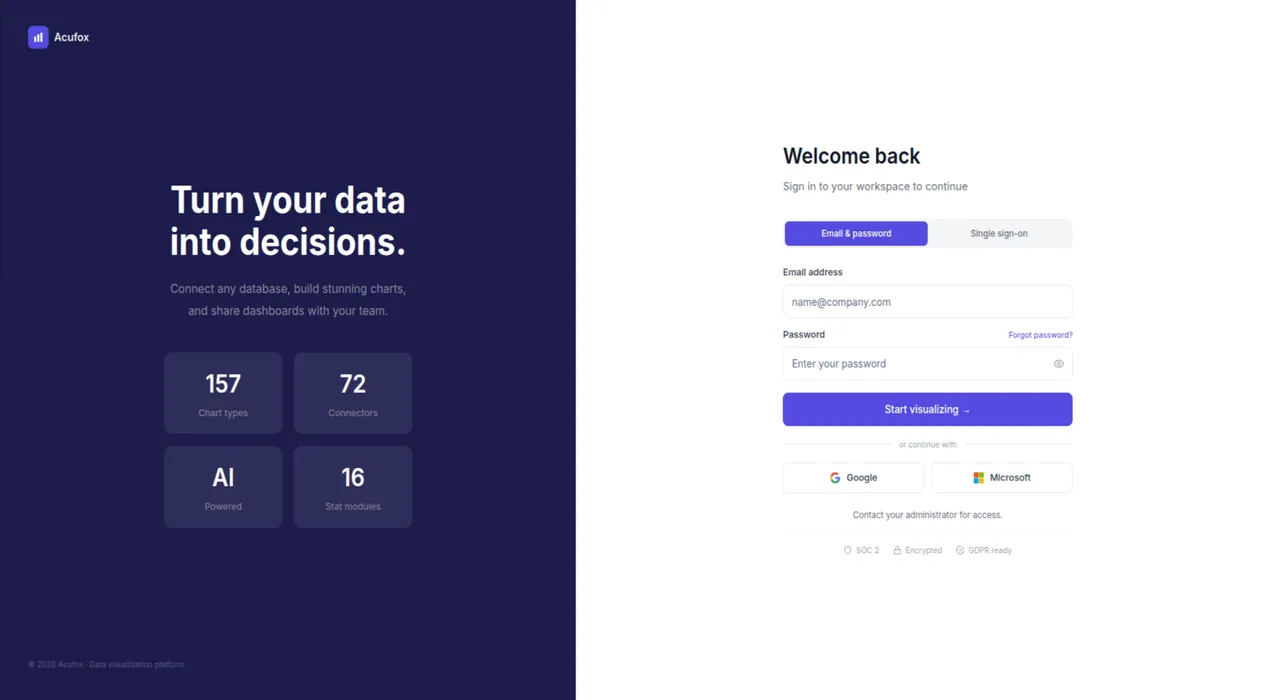
The AI-enabled BI platform: 90+ data sources, Foxy AI natural-language queries, and 130+ interactive visualizations in one secure hub.
- Business Intelligence
- AI Analytics
- Data Visualization
- Natural Language Query
- Dashboards
- Self-Hosted
What teams struggle with before Acufox
- Challenge 01
Scattered silos
Isolated databases and shared, unmapped credentials spread across shadow IT. Nobody knows where the truth lives, and every team keeps its own copy.
- Challenge 02
Manual SQL bottlenecks
Engineers spend most of their time writing repetitive SQL for other teams instead of improving systems. Every business question becomes an engineering ticket.
- Challenge 03
Static reporting
Analysts are locked into flat tables and fixed charts, unable to explore or drill down without raising IT tickets. Insight arrives weeks after the question.
- Challenge 04
Ungoverned access
No central control, audit trail, or role-based visibility over who touches what. Sensitive data moves through spreadsheets and shared logins.
What Acufox does
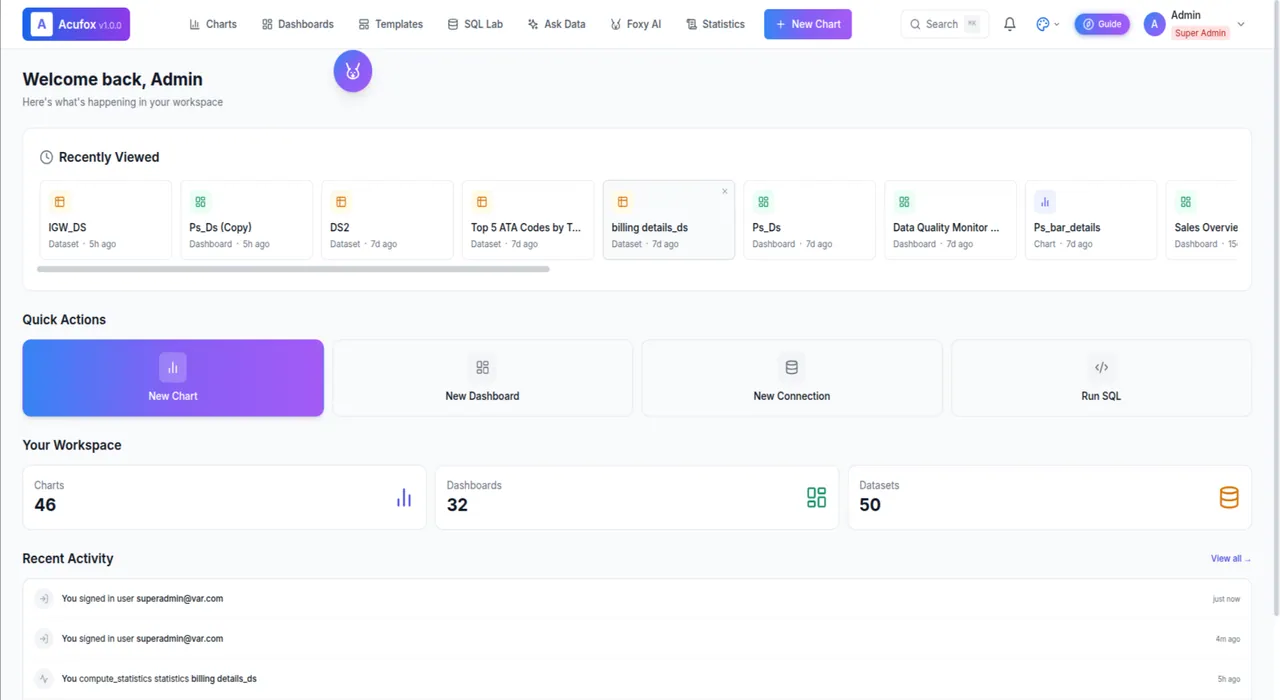
Acufox unifies every data source, an AI query layer, and 130+ interactive visualizations into one secure platform. Connect 90+ SQL, NoSQL, and cloud-warehouse sources with guided setup and AES-encrypted credentials, then map joins and keys once with Dataset Groups so the platform understands your business relationships. From there, anyone can move: analysts build visually in the no-code Query Builder, engineers work in the full SQL Lab, and everyone else simply asks Foxy AI in plain English — it applies your business logic, writes the SQL, and suggests the best chart. Insights land on drag-and-drop executive dashboards with global filters and presentation mode, flow out through scheduled reports and threshold alerts across email, SMS, Slack, Teams, PagerDuty, and webhooks, and export board-ready to PDF, Excel, Word, or PowerPoint in one click — all under JWT authentication, granular role-based access, and complete audit trails.
- Unified Data Hub — 90+ sources with guided setup, one-click connection testing, AES-encrypted credentials
- Foxy AI — plain-English questions to SQL and chart suggestions, with multi-provider support (Anthropic Claude / OpenAI)
- SQL Lab & Query Builder — full code editor for experts, visual builder for analysts
- Dataset Groups — map joins and keys once; isolated tables become one business model
- 130+ D3.js visualizations — hierarchical, network, statistical, 3D, and geographic with drill-down and PNG/SVG export
- Executive dashboards — drag-and-drop, auto-saving, global filters, presentation mode
- Scheduling & alerts — automated reports and threshold alerts across 6 channels
- Enterprise security — JWT auth, 5 role tiers, AES + bcrypt encryption, full audit trails, Kubernetes-ready scale
From setup to results, step by step
How Acufox goes live inside your environment.
 Step 1



Connect
Plug in 90+ SQL, NoSQL, and cloud-warehouse sources through guided setup with one-click connection testing. Credentials are AES-encrypted and centrally managed.
Partner pricing
Partner prices and margins are shown once you are a partner.